Nov 28, 2025 / 2 min read
Django To-Do App First Impressions: Module 1 at AI Dev Tools Zoomcamp
Building my first Django app with zero prior experience, using AI tools to scaffold a working TODO app in 10 minutes, experimenting with custom interfaces, and learning by reverse-engineering the generated code.

I decided to join AI DevTools Zoomcamp and was genuinely curious what I’d be able to build.
In the first module of the course, we build a TODO app using the Django framework.
Side note: I knew nothing about Django before starting the course.
For someone who doesn’t come from a classic software engineering background, AI tools are a huge unlock. They don’t magically make you a senior developer overnight, but they do lower the barrier so you can build real projects, see how things work under the hood, and learn by doing.
Insane, but: It took about 10 minutes for Cursor to scaffold a working Django TODO app. I followed the homework instructions, asked the AI to build the project, and watched it piece everything together.
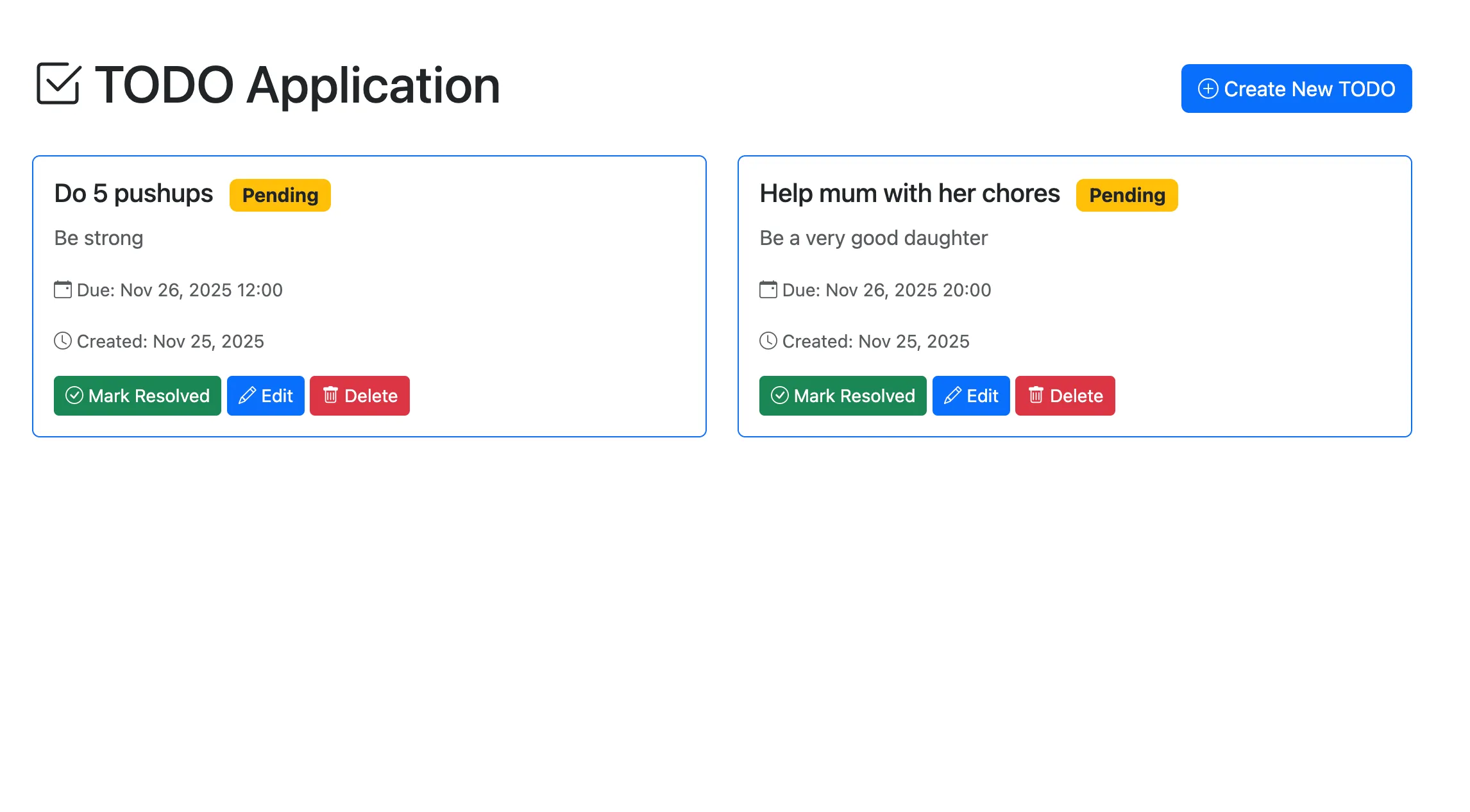
Simple To-Do App
While the model was generating code, I tried to reverse-engineer what it was doing:
- Django app structure
- Component connections
- File responsibilities
That alone was a great learning experience.
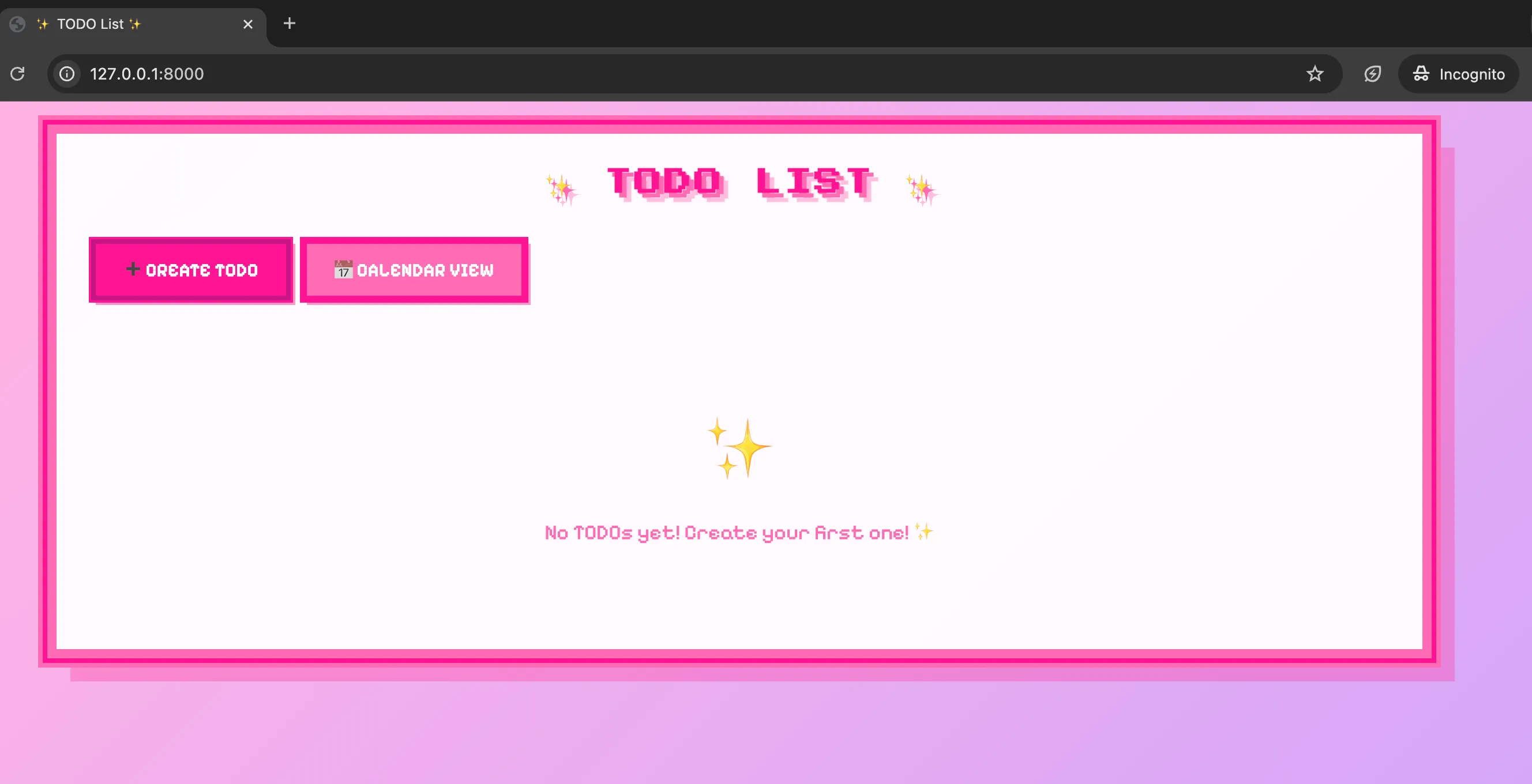
Girly Version To-Do View
Then I started experimenting a bit more and created a girly-pixelated version (pushed to the extreme 😂🌸) with a calendar view and repeated tasks.
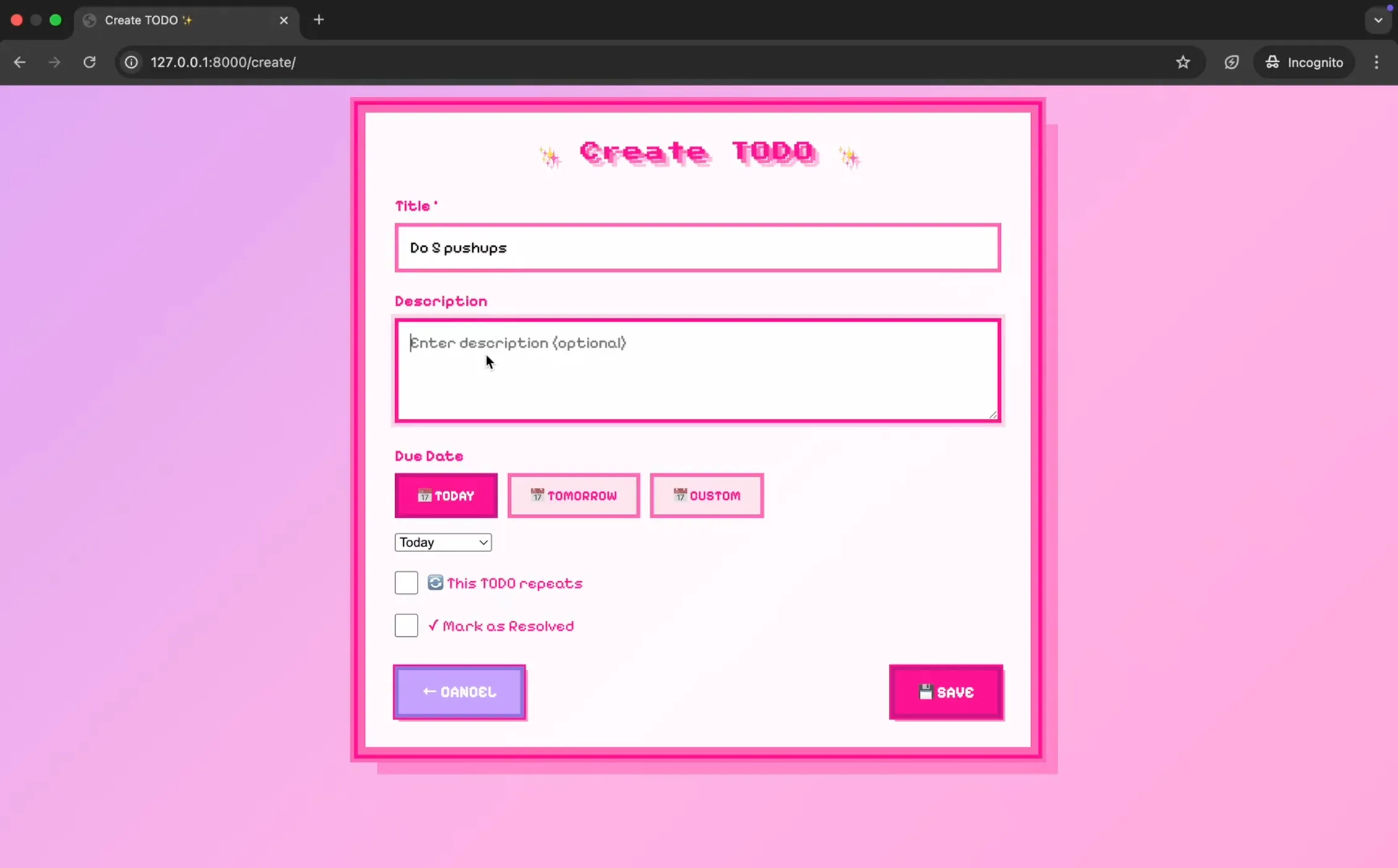
Girly Version Task View
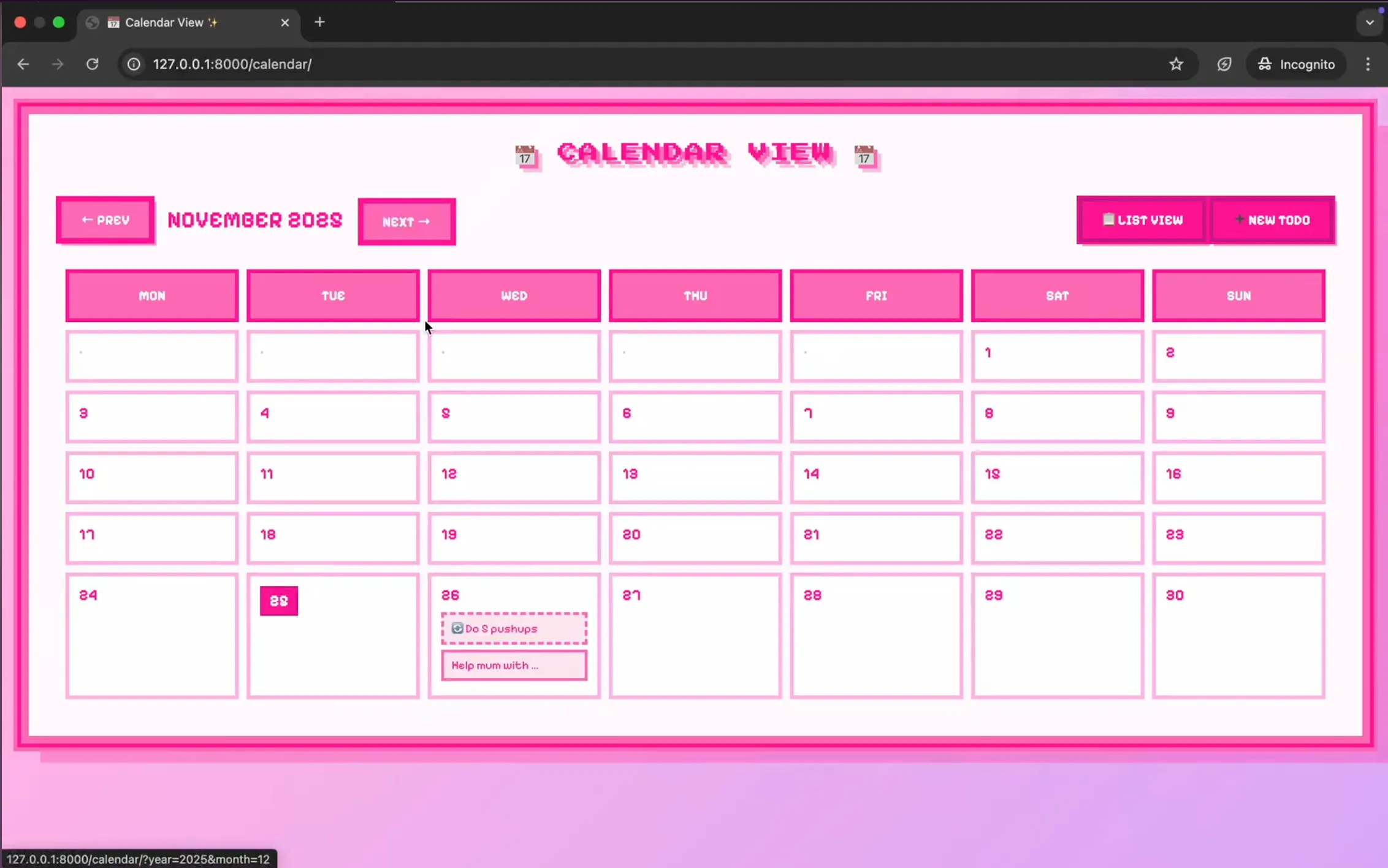
Girly Version Calendar View
It definitely needs work (the font is unreadable and repeating events don’t actually repeat yet). But it was a fun way to explore how far I could push the interface with AI assistance.
Overall, I had a lot of fun with this module!
Not sure if I “built” it or “watched it build itself,” but both felt equally fascinating.
You can find the code for the simple version on my GitHub.